- Go to webmail.roarsolutions.com and login
- Click upper right hand menu > Settings
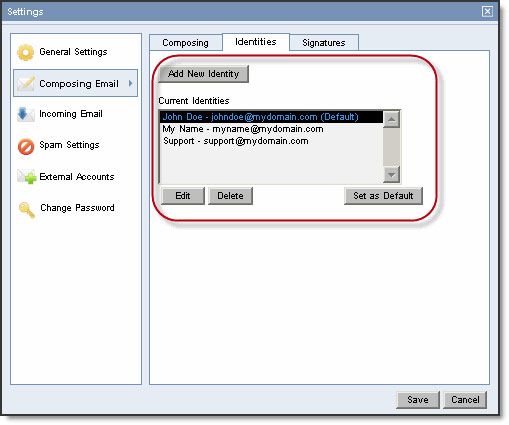
- Composing Email > Identities
- Add "Full Name"/"Email Address" and optional "Reply To". If this field is left blank, replies will be sent to the address above.
- To set an identity as your default, select an identity in the Current Identities list, and click the Set as Default button.
- Save!
An identity allows you to quickly change the name, email address, and reply address on your outgoing email. If you create multiple identities, you can change them in the From drop-down menu at the top of the Compose Email window.
Comments